Write confirmation emails
Writing a car rental confirmation email across 3 moments, booking, personalization, and return, built to earn trust, not just log it.
3 min read01 · Overview
Journey emails
Book, personalize, return
Writing iterations
Drafts through final copy
Writing principles
Hierarchy, voice, clarity
Support the driver from reservation to return
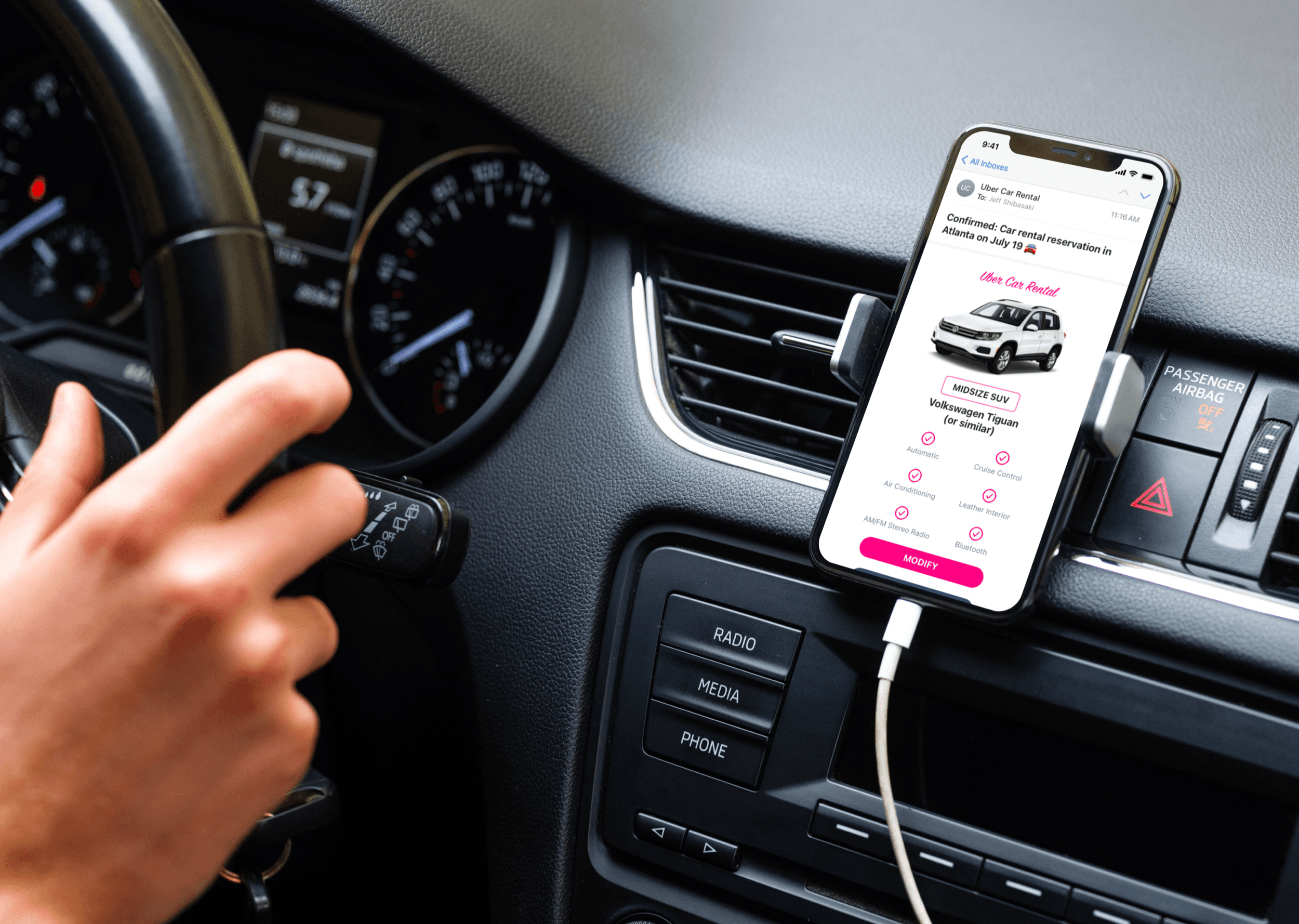
A driver reserved a midsize SUV online for an upcoming trip to Atlanta. The first email needs to confirm the reservation and build excitement. The second explores how personalization, product naming, and a more empathetic voice can improve the experience. The third closes the rental and gives the driver a useful reason to return.
Design a reusable email system around what drivers need
I used 6 principles to keep every email consistent, scannable, and useful across the journey.
Benchmark first
Review what rental companies include—and omit—to find opportunities for a better confirmation experience.
Build for variables
Write the email so developers can use image placeholders and variables for personalized details.
Stay consistent
Use a repeatable layout and voice to reduce cognitive load and strengthen recognition.
Avoid overload
Include the information drivers need without turning the confirmation into a wall of details.
Make it scannable
Use hierarchy, labels, and concise sections so important details are easy to retrieve.
Simplify to amplify
Remove anything that competes with the reservation, receipt, or next action.
Confirm the reservation
I organized the message around the details a driver may need to retrieve later: vehicle, pickup and drop-off, reservation information, estimated charges, and next actions.
Add voice and personalization
I made the subject line more useful, added the driver’s name, and introduced clearer product names such as Pink Diamond Club and Pink Match Guarantee. The goal was a warmer experience without complicating the reservation.
Close the rental and invite a return
I shifted the estimate into a final receipt, then used rental history to make the next step more relevant through destination ideas, a return incentive, and vehicle recommendations.
Confirmation emails can do more than document a transaction—they can guide the relationship forward.
3 emails that work as one customer journey
Each final email has a distinct job while using the same hierarchy, visual language, and voice.
Reservation confirmation
The final creates a durable reservation record while keeping the vehicle, itinerary, estimate, and next actions easy to find.
Personalized confirmation
The final adds helpful personalization, memorable product names, a price-match guarantee, and app support without overwhelming the core details.
Post-rental confirmation
The final provides a downloadable receipt, relevant destination ideas, a return incentive, and personalized vehicle recommendations.
Personalization works when it remains useful
The hardest part was improving the brand voice and product naming without burying the information the driver came to retrieve.
The strongest changes—useful subject lines, the driver’s name, clearer product names, and recommendations informed by the completed trip—make the experience feel more personal while preserving the message’s primary job.